Projects
A Project is the practical isolation boundary for an integration. It contains Resources, Agents and agent policy, End Users, Proxy clients, and project-level team membership.
Create a Project
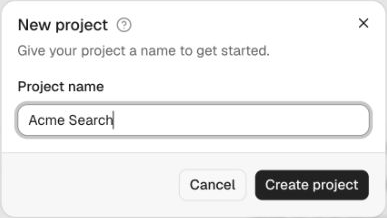
Go to Project Management → New Project and give it a name such as Production, a merchant name, or another boundary meaningful to your operations. The name is the only input; you can rename the Project later under Settings.
The created Project shows its name, a copyable Project ID, and a project sidebar:
| Sidebar item | What it contains |
|---|---|
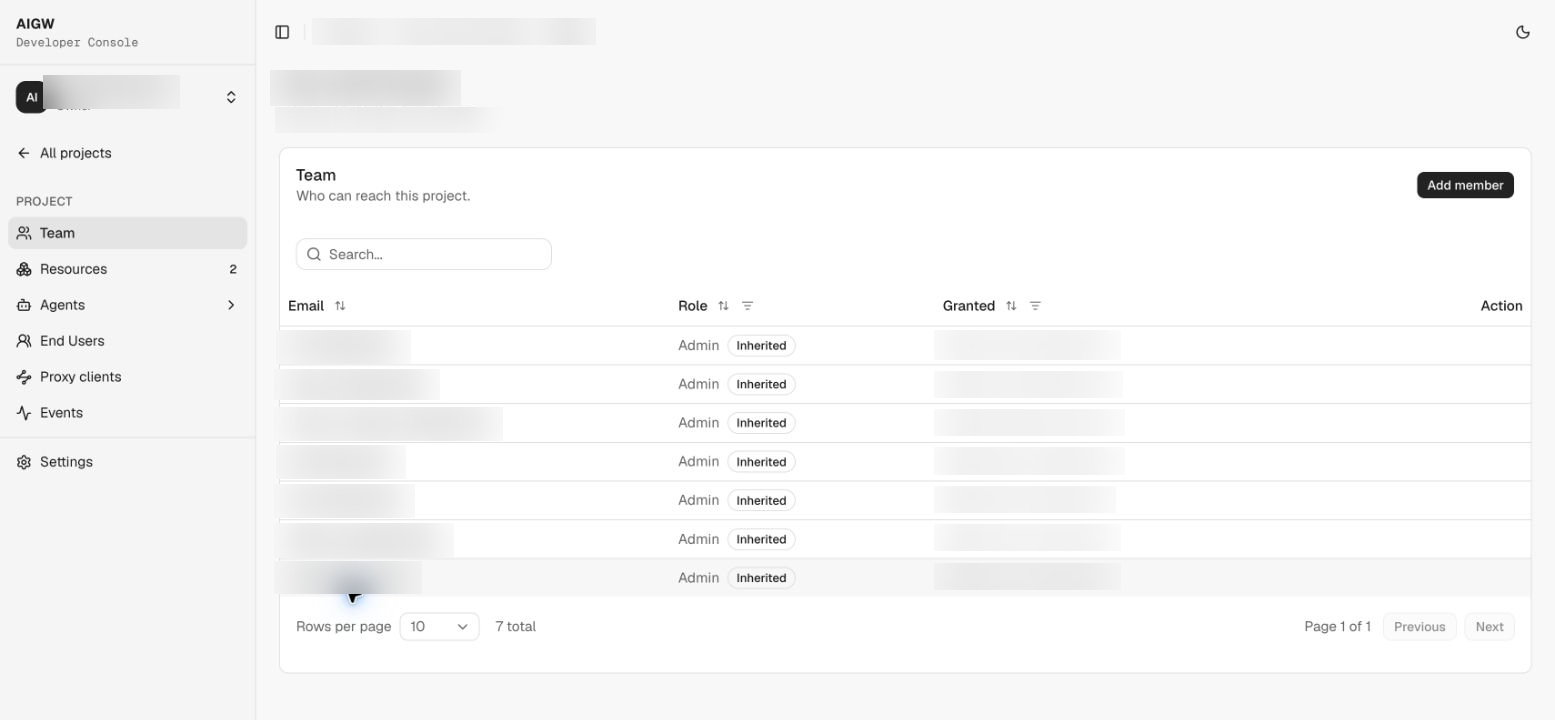
| Team | Who can reach this Project |
| Resources | Downstream systems registered in the Project (see Resources) |
| Agents | Pending / Approved / Rejected / Revoked lists plus the Agent policy pages — How it works, Domain rules, Approval rules, KYA issuers (see Agents and Agent policy) |
| End Users | People your agents have acted on behalf of at this Project's Resources, filterable by Resource |
| Proxy clients | Server credentials for the MCP/UCP backend (see Proxy clients) |
| Events | Project authorization, identity, policy, and exchange activity |
| Settings | Project name/configuration and the delete-project danger zone |
Why the Project boundary matters
Credential redemption requires the AIGW access token and proxy token to belong to the same Project. A Proxy client from Project A cannot redeem a user's token from Project B.
Agent decisions and Agent policy also live here, so separate Projects can maintain independent approval rules and allow/reject decisions for agents.
Project team
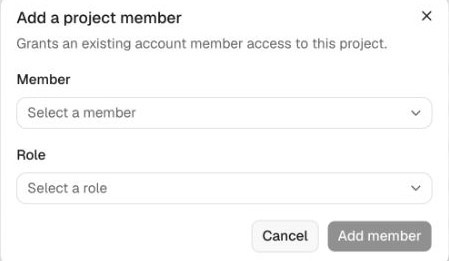
Project roles are Admin, Developer, and Viewer. Project members must already be members of the Account; account roles appear as Inherited.
Use Projects to represent an operational/security boundary, not merely a cosmetic grouping.